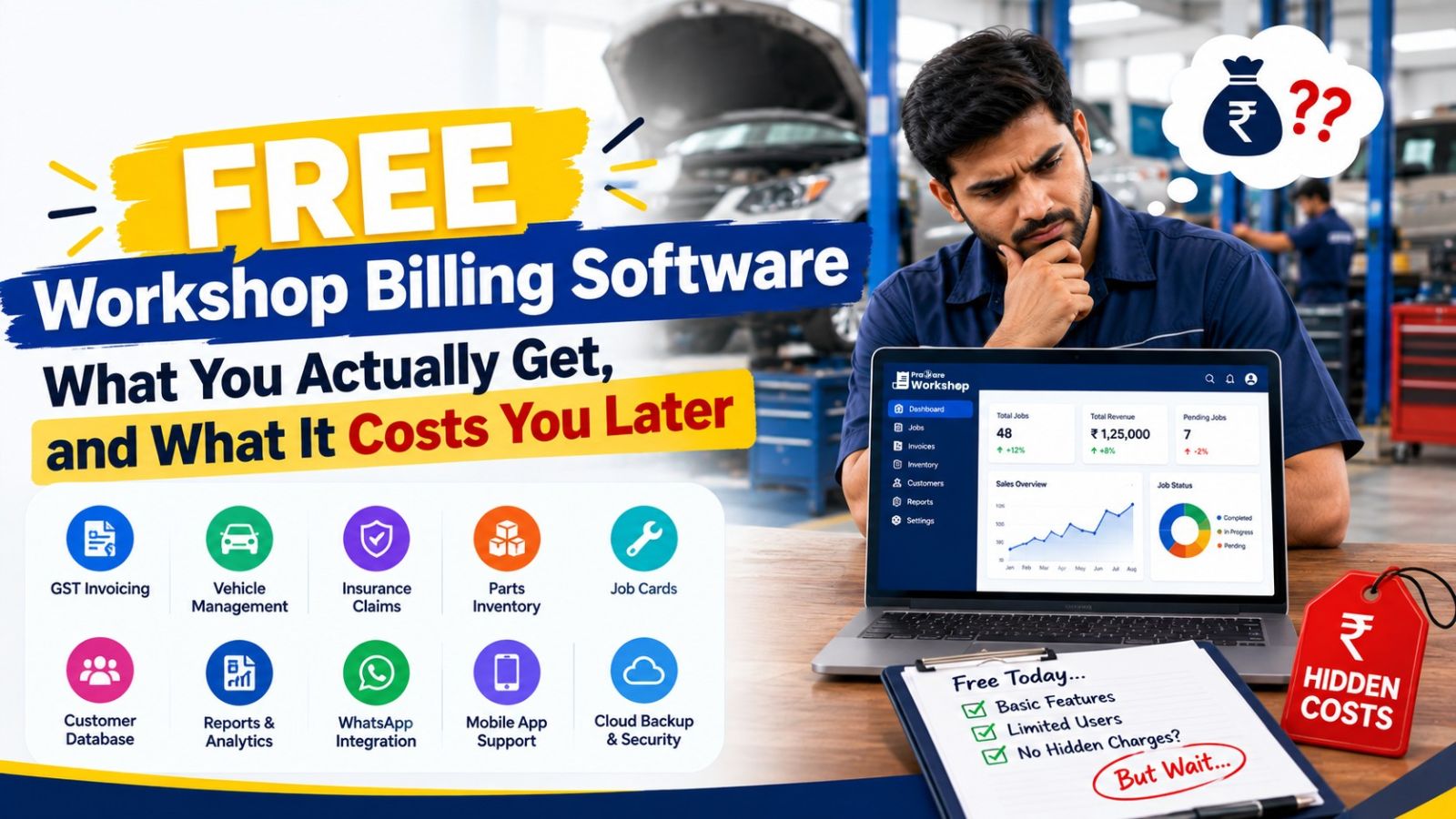
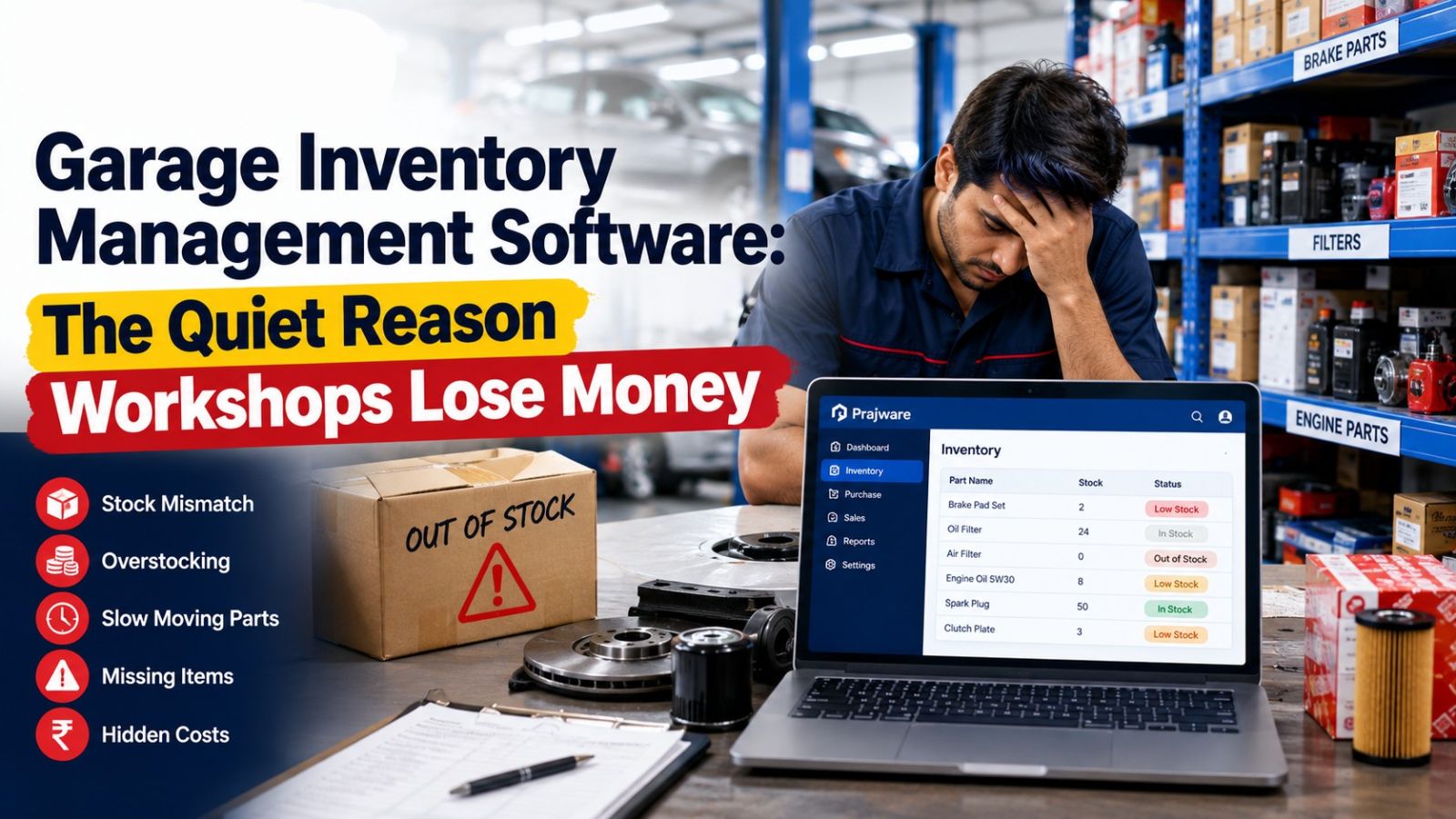
Workshop Billing Software: What It Should Actually Do for Your Service Center
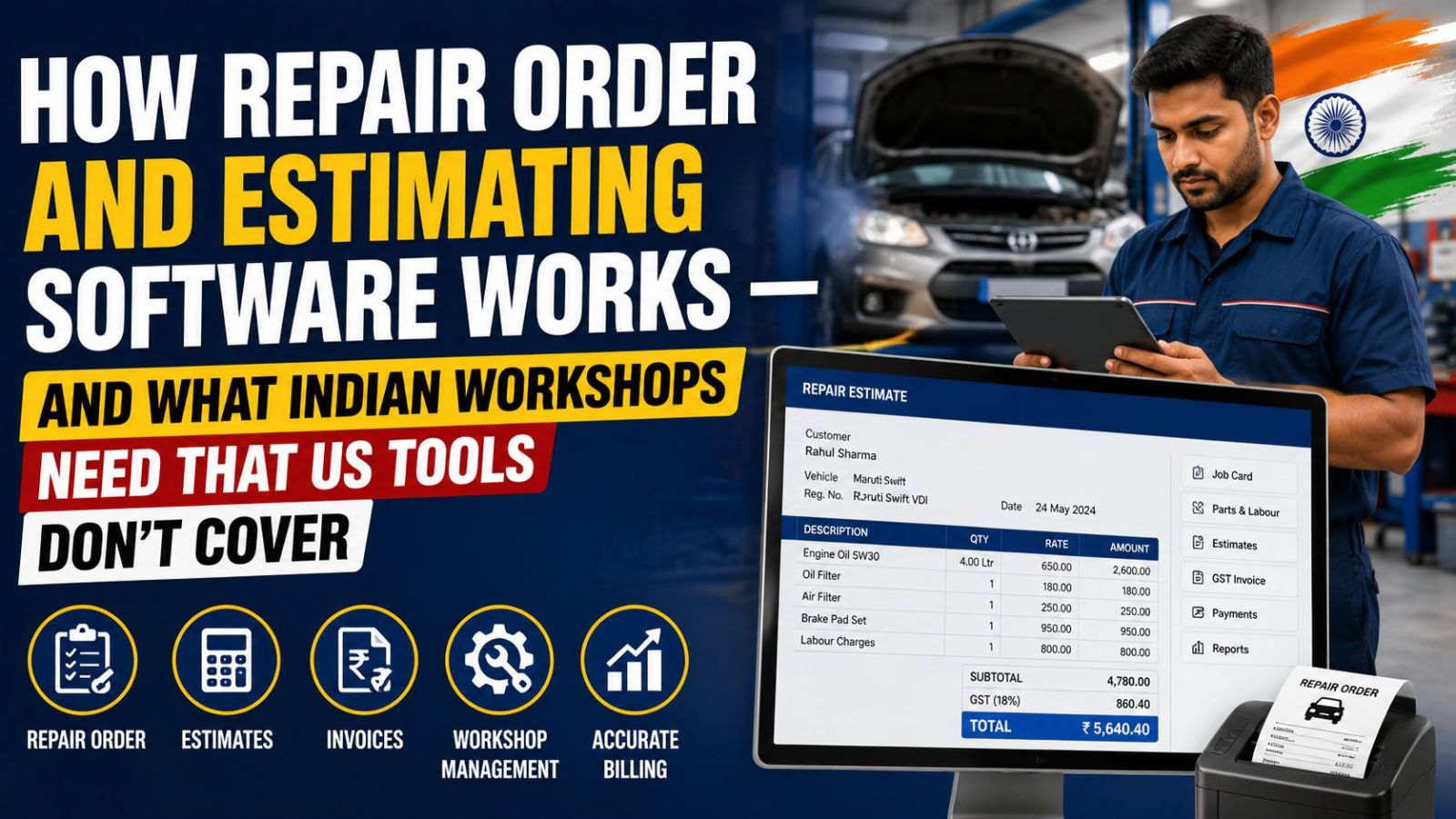
Search "workshop billing software" and most results talk about invoicing in general terms — send a bill, get paid, done. But billing at an actual car service center or garage isn't that simple. A bill needs to reflect labor, parts consumed, GST at the correct HSN code, and sometimes a split between what the customer pays and what an insurer covers. Get any one of those wrong, and you're either losing money or spending your evening fixing a mismatched invoice.
This is what dedicated workshop billing software is built to solve — and it's worth understanding exactly what "good" looks like before you pick one.
What Separates Workshop Billing Software From Generic Invoicing Tools
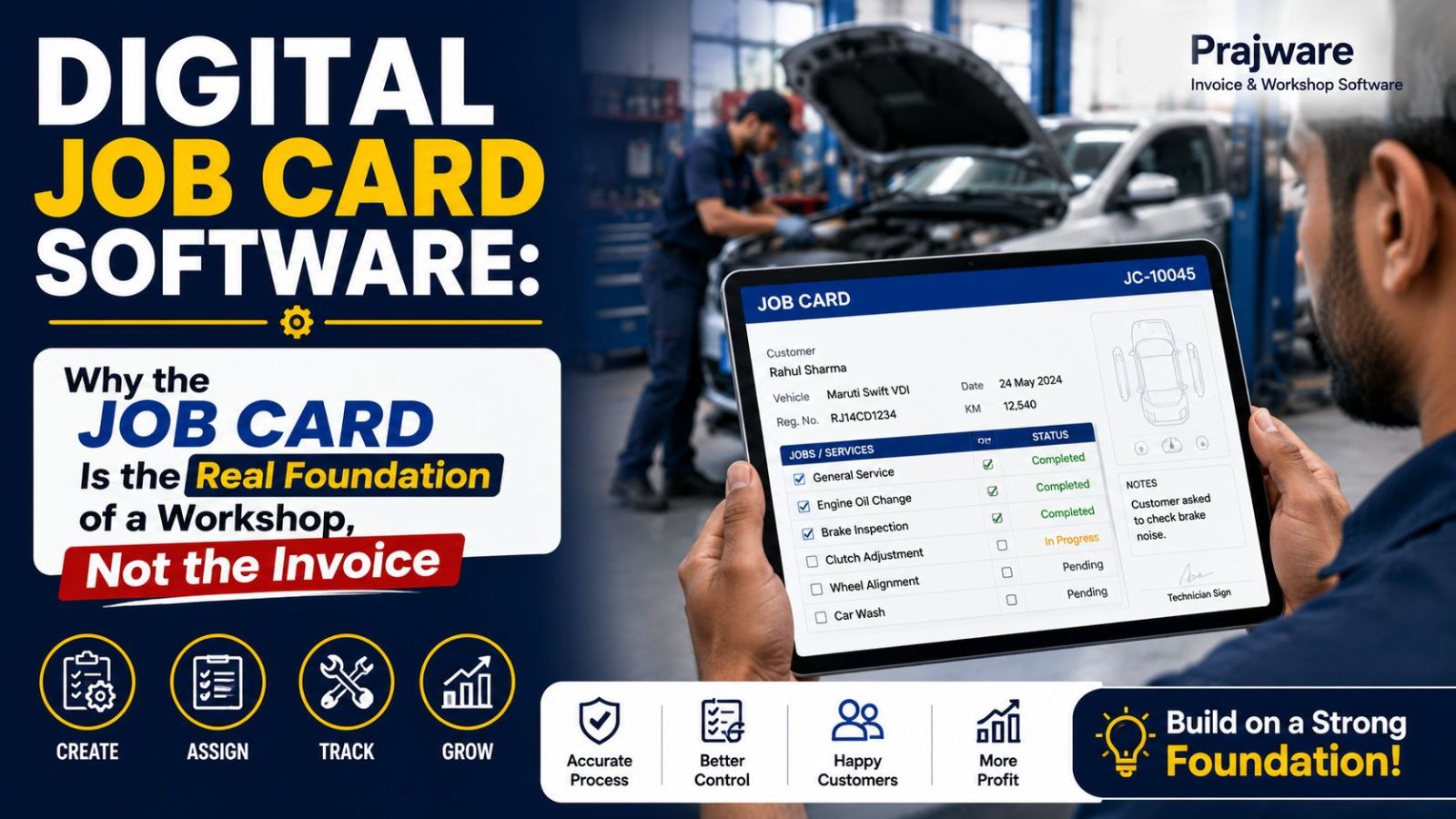
It Starts From the Job, Not a Blank Invoice Generic billing tools make you build an invoice from scratch every time. Workshop billing software should generate the bill directly from the job card — pulling in the parts used, labor charges, and technician notes automatically, so nothing gets re-typed or missed.
It Handles GST the Way Auto Parts Actually Work Auto parts fall under different HSN codes and GST slabs. A workshop billing system that comes with parts pre-mapped to the correct HSN code removes the single most common source of GST errors on a repair bill.
It Supports Split and Partial Payments Not every bill is a simple, single payment. Workshops routinely deal with partial payments, and insurance-linked jobs where the amount is split between the customer and the insurer. Billing software should track both cleanly, updating payment status automatically as amounts come in.
It Produces a Digital Cash Receipt, Not Just an Invoice Cash and UPI payments at the counter need a receipt separate from the tax invoice. Built-in cash receipt generation, alongside Paytm payment links and UPI support, keeps front-desk billing fast without a second manual step.
It Sends the Bill Where the Customer Actually Is A printed invoice sitting in a glovebox doesn't help anyone. Sending bills digitally via WhatsApp and SMS, straight from the mobile app, means the customer has their invoice the moment they leave — and you have a digital record that isn't going anywhere.
It Rolls Up Into Reports You Can Actually Use At month-end, billing data needs to become GST reports, sales summaries, and profitability numbers without a manual export-and-reconcile exercise. Detailed monthly reports — split cleanly by invoice type — should be a byproduct of billing, not a separate task.
A Simple Test for Any Workshop Billing Software
Before choosing a system, run this test: create one job card, add two parts and one labor charge, and generate the final GST invoice. If that takes more than a minute, or requires switching between two different tools, the software isn't actually built for a workshop floor — it's a general billing tool wearing a workshop label.
How Prajware Workshop Handles Billing End to End
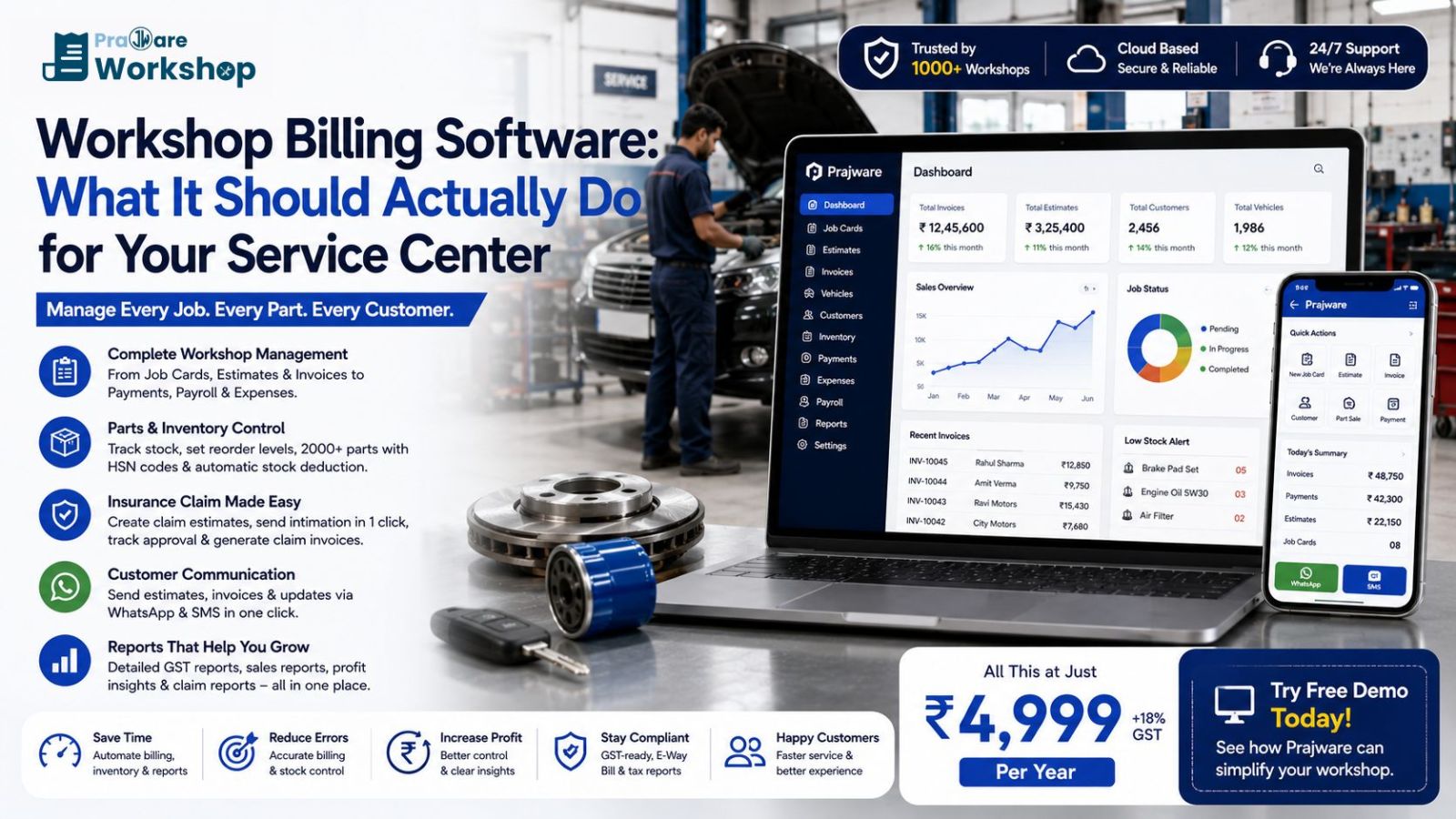
Prajware Workshop builds billing directly into the job card workflow. Estimates convert to GST-compliant invoices in one click, parts come pre-mapped to correct HSN codes from a 2000+ ready parts database, payments — including split Customer + Insurance amounts — update automatically, and bills go out instantly via WhatsApp and SMS with UPI payment links built in. Detailed monthly GST reports, separated by invoice and claim invoice, are ready whenever you need them.
Want to see workshop billing done right, from job card to GST invoice in one click? Start a free demo of Prajware Workshop and try the full billing flow yourself.